


Keepall help
Save, read,
and find your items.
Choose a guide for files, search, notes, or backups.
Help guides
13 guides · Step-by-step instructionsStart saving
01Start your library
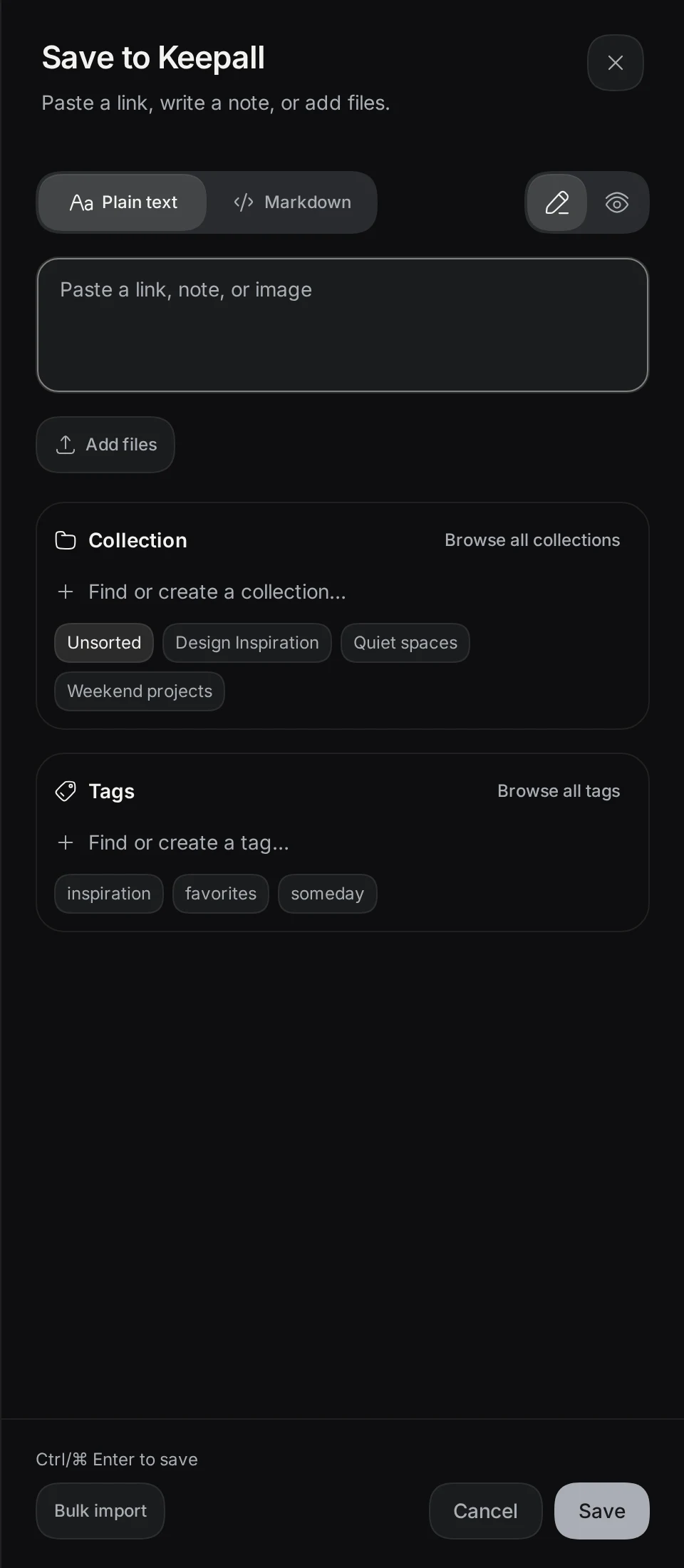
Save your first link, note, image, video, or document. No account needed.
Open Keepall like an app
Add Keepall to your computer or phone and open your library from its own icon.
Save from Chrome
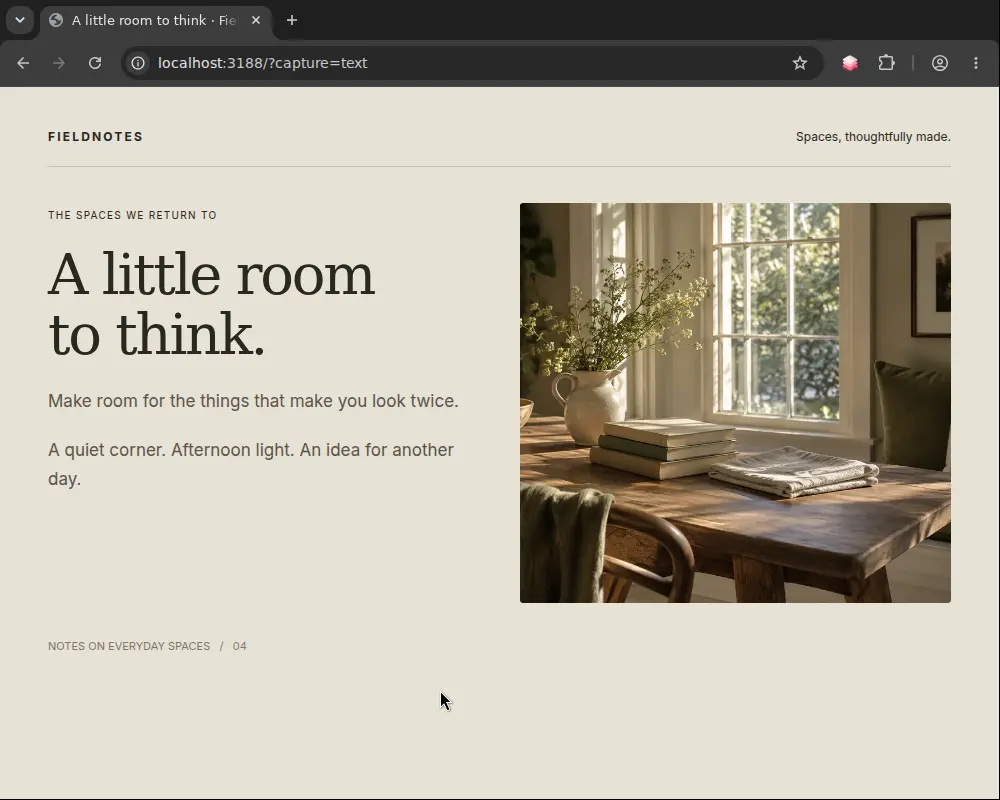
Add the extension, then keep pages, links, images, and useful passages without leaving the website.
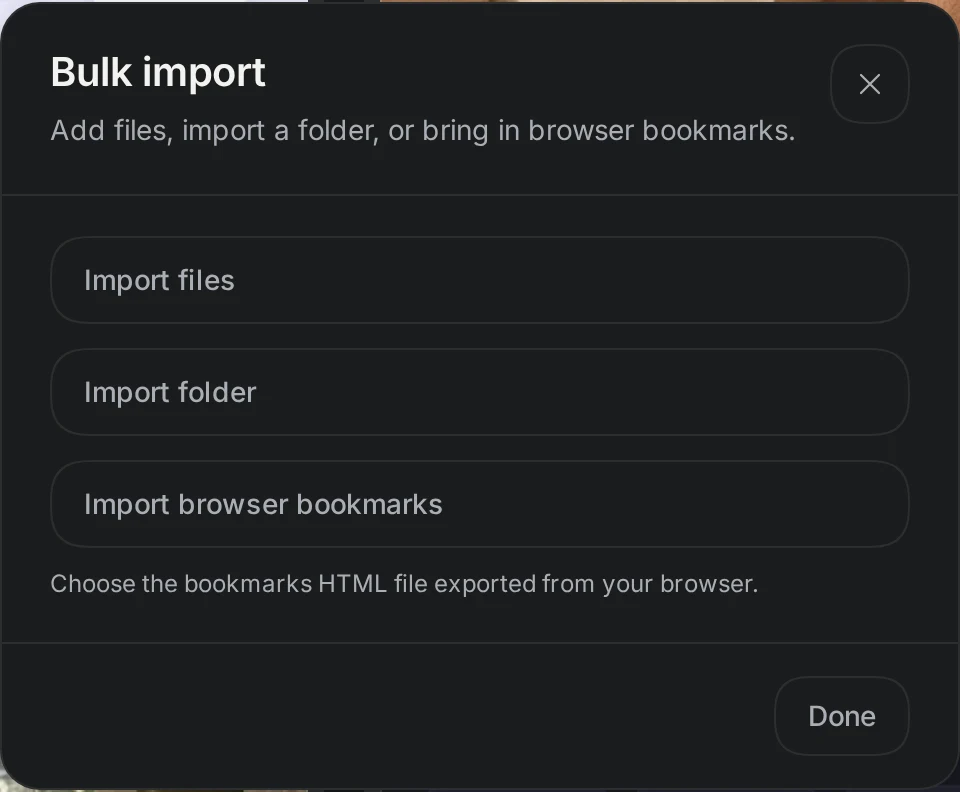
Import files and bookmarks
Import documents, browser bookmarks, images, or a Keepall backup.
Read and explore
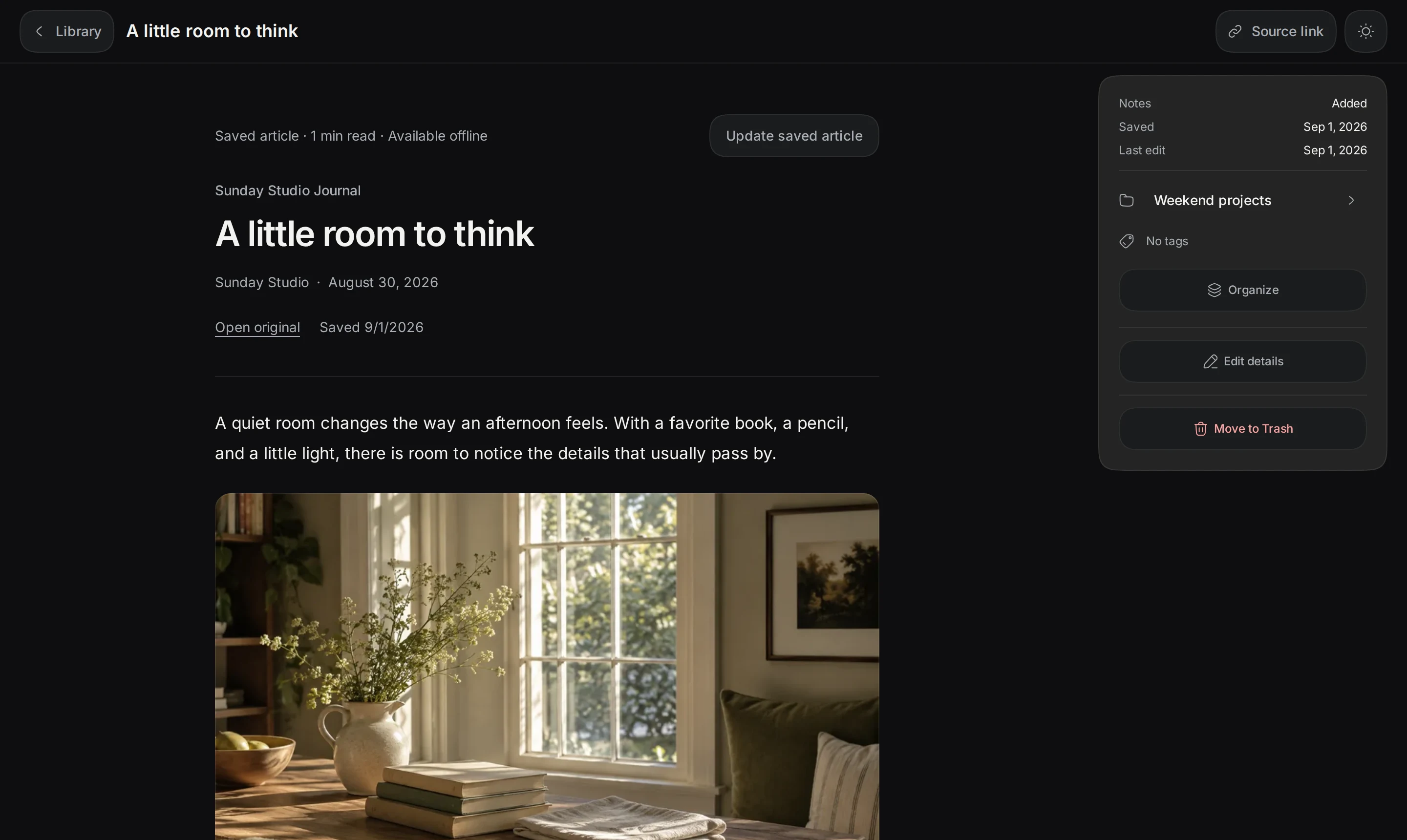
01Save articles for offline reading
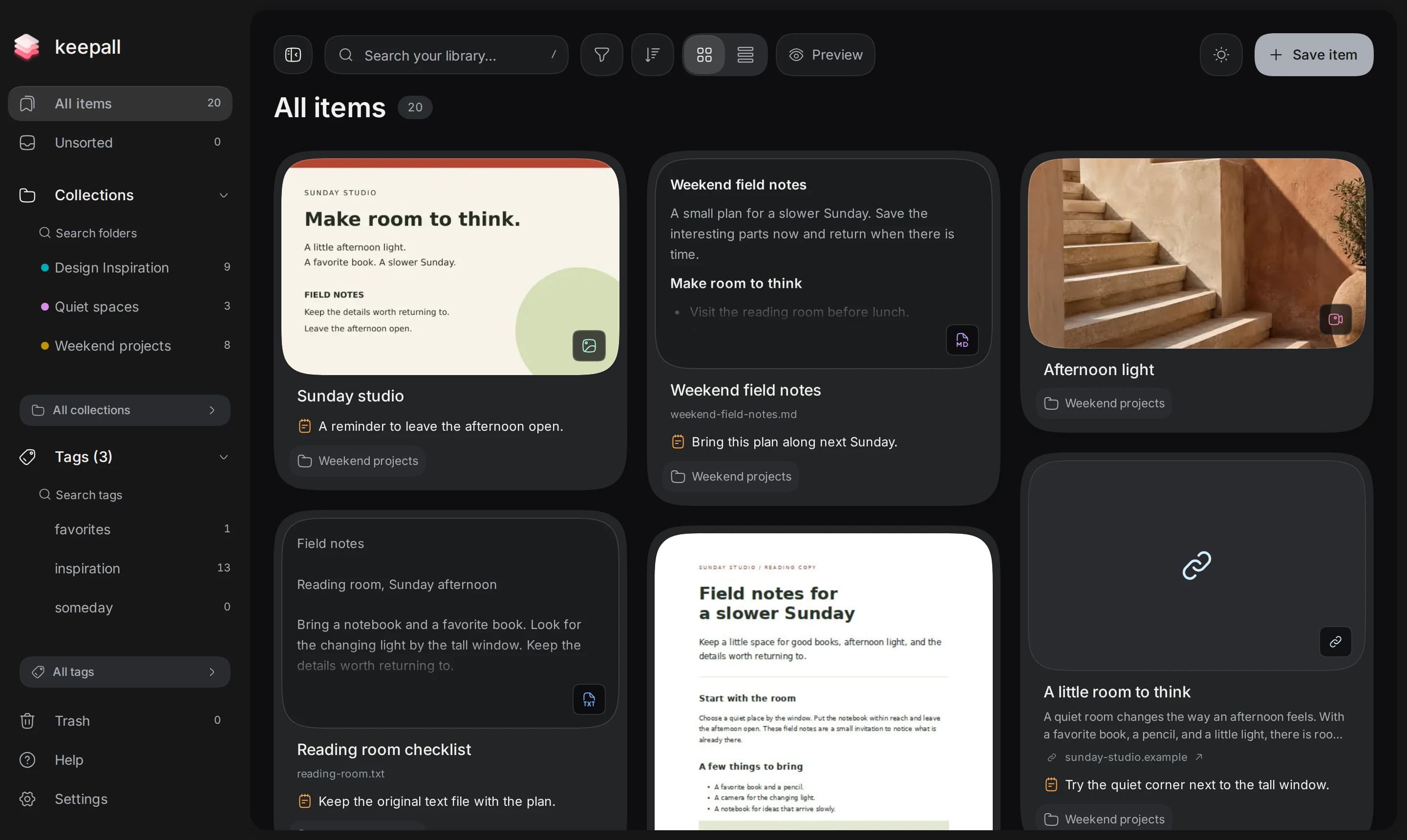
Keep readable website text beside your personal notes.
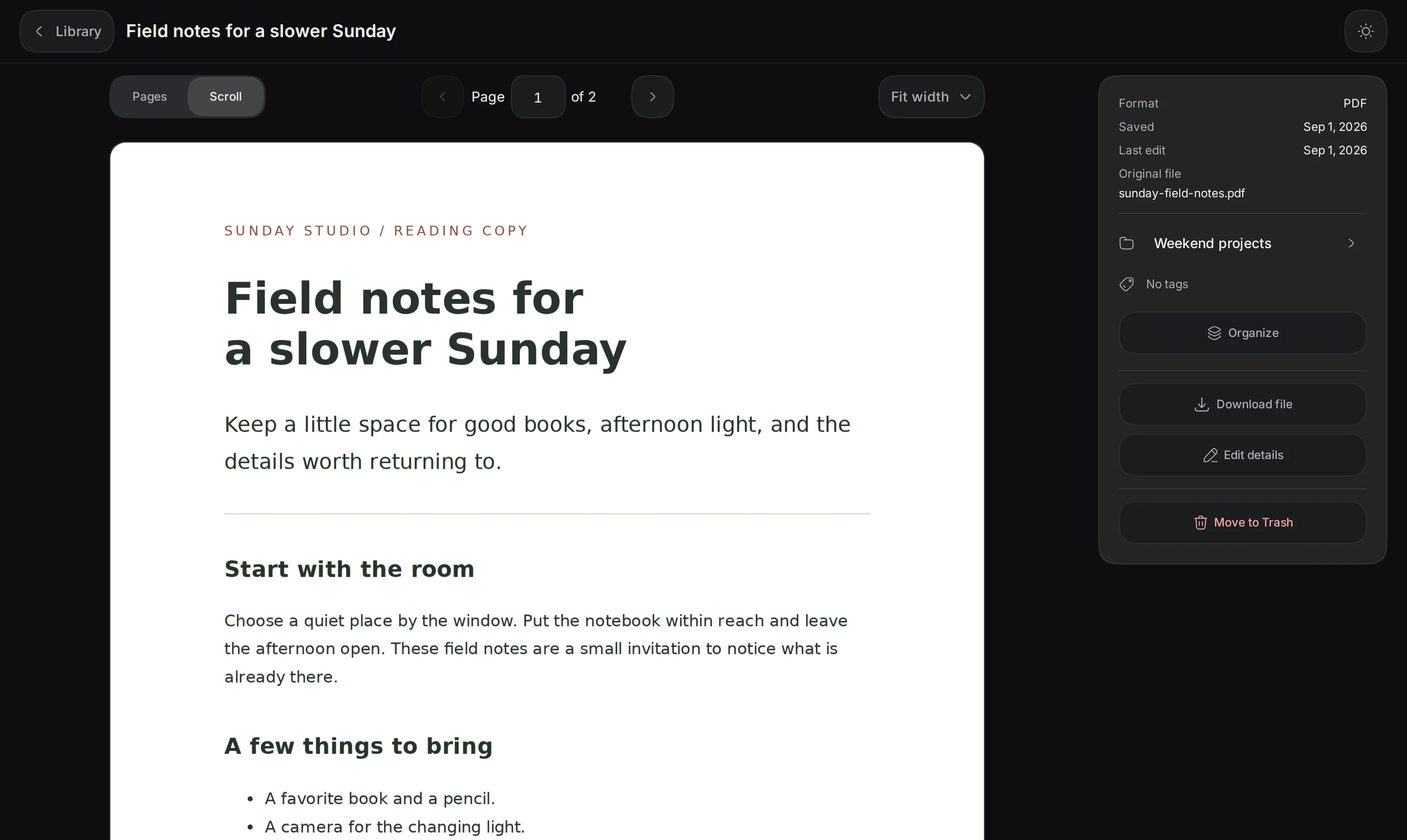
Read PDFs, Markdown and text files
Bring local files into your library, read them, and keep your own notes beside them.
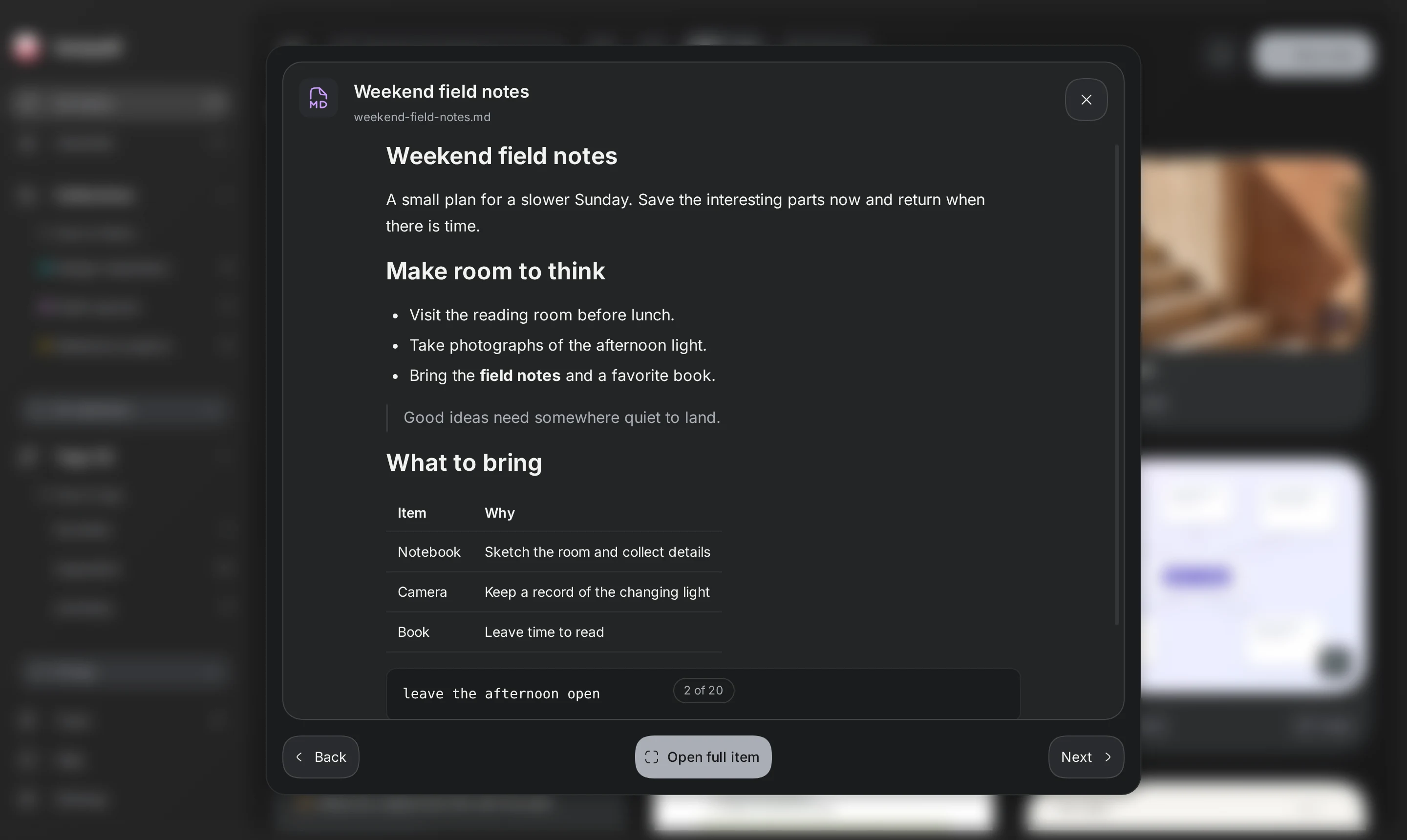
Browse without losing your place
Move through saves in a quick preview, then open the full item when you want more.
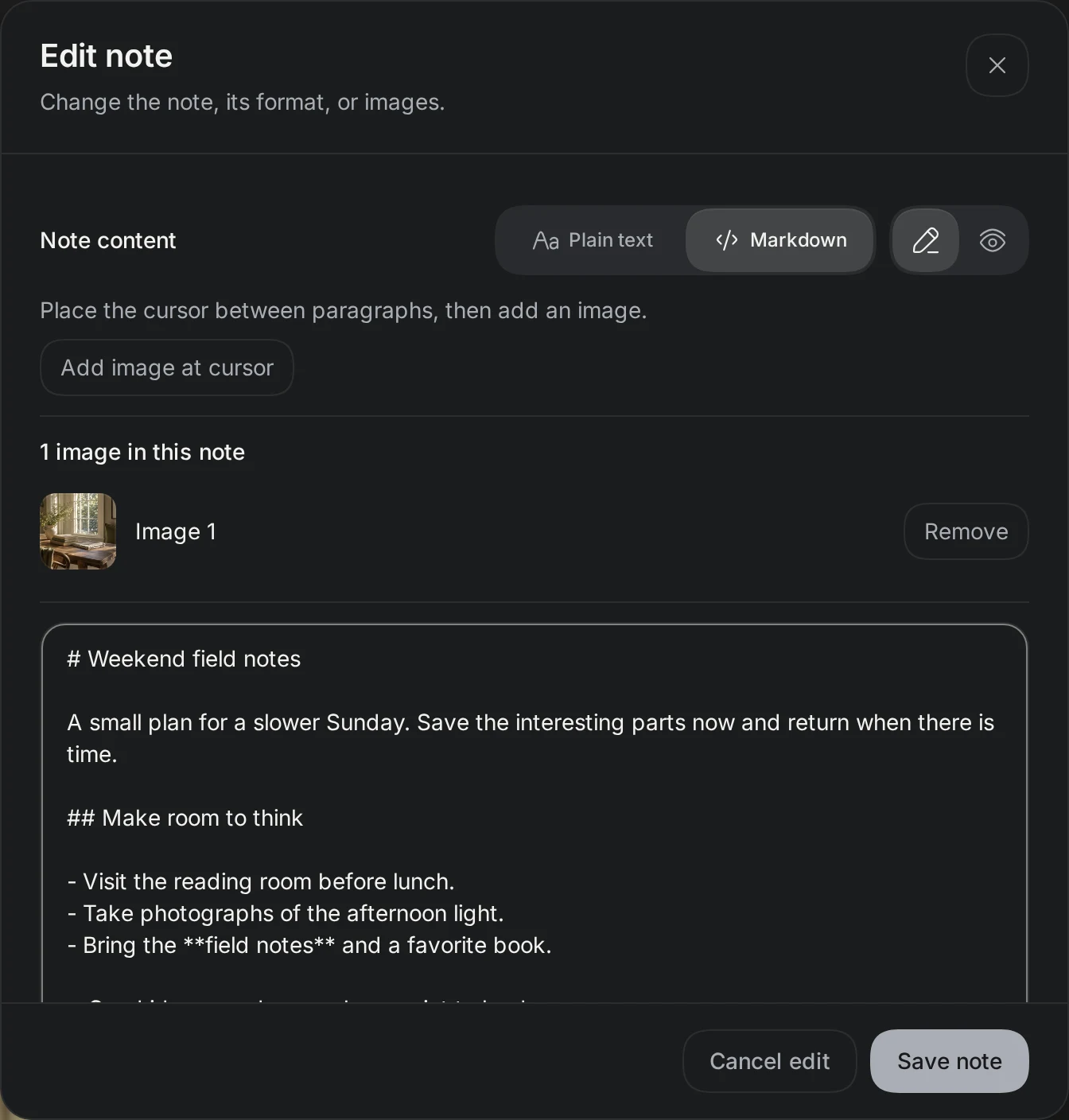
Write notes with text and images
Keep a plain note or use Markdown for headings, tables, code, and locally saved images.
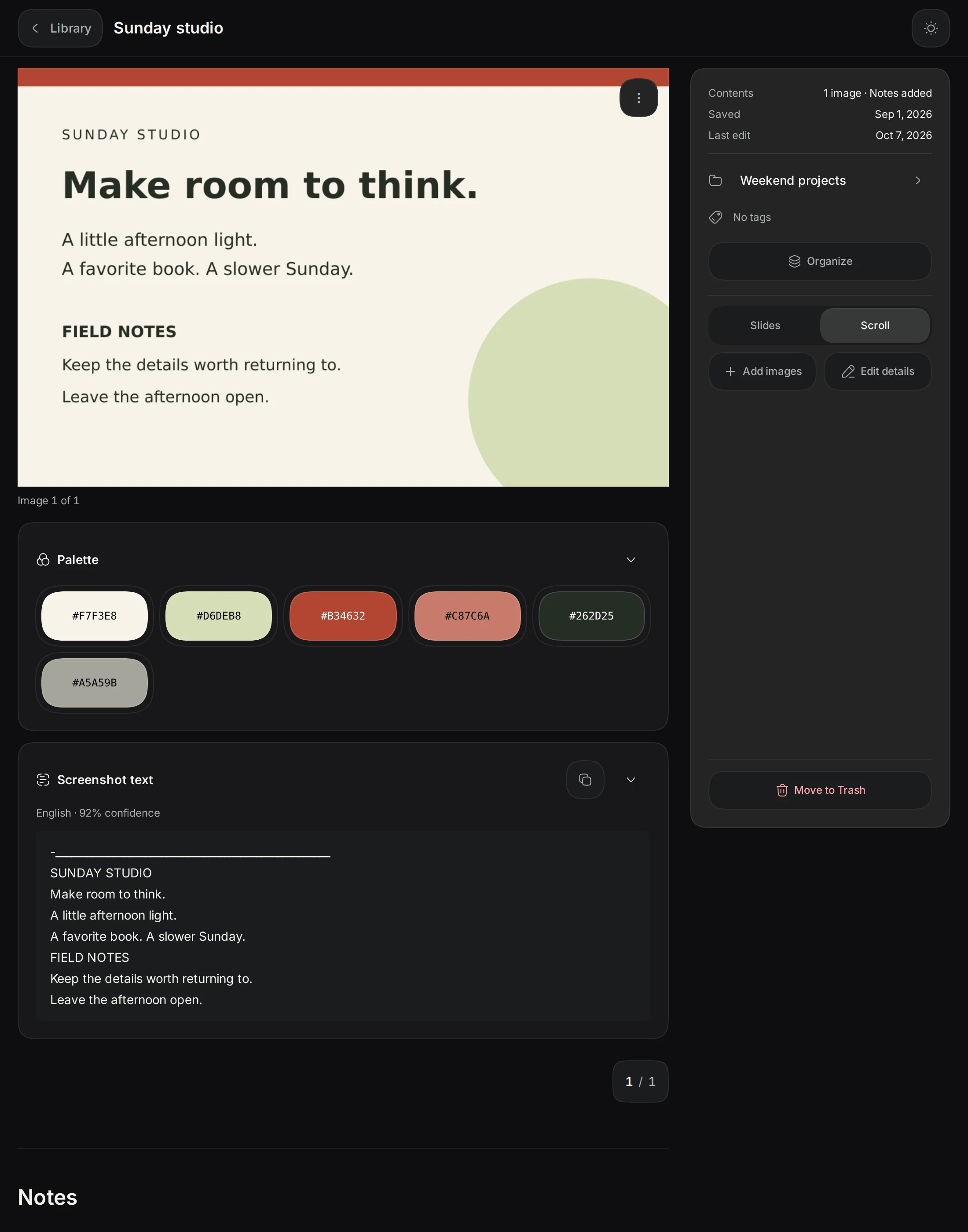
Keep images and videos
Paste images, build a gallery, and keep video files from your device.
Organize and find
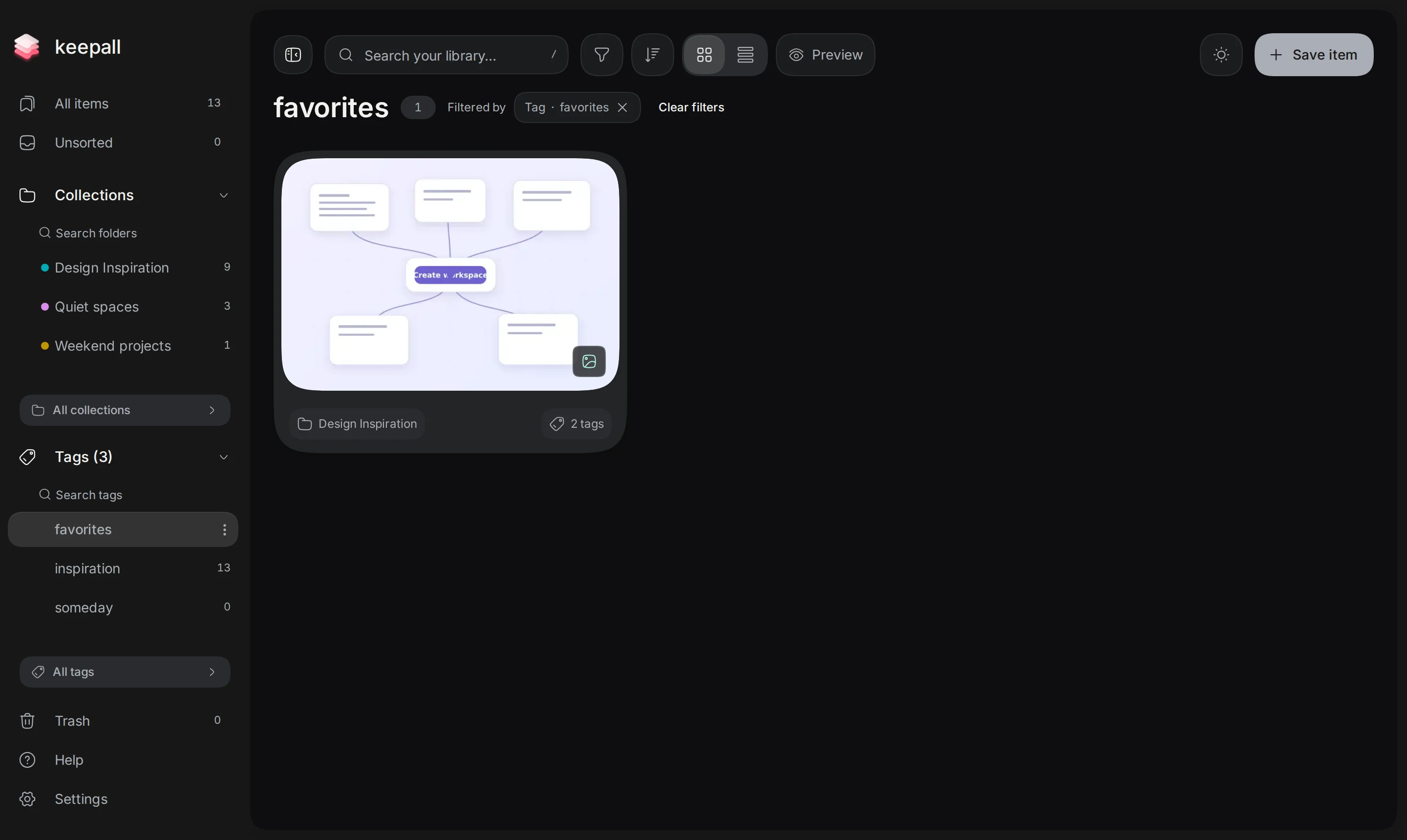
01Organize with collections and tags
Group items with collections and tags. Pin items and restore saves from Trash.
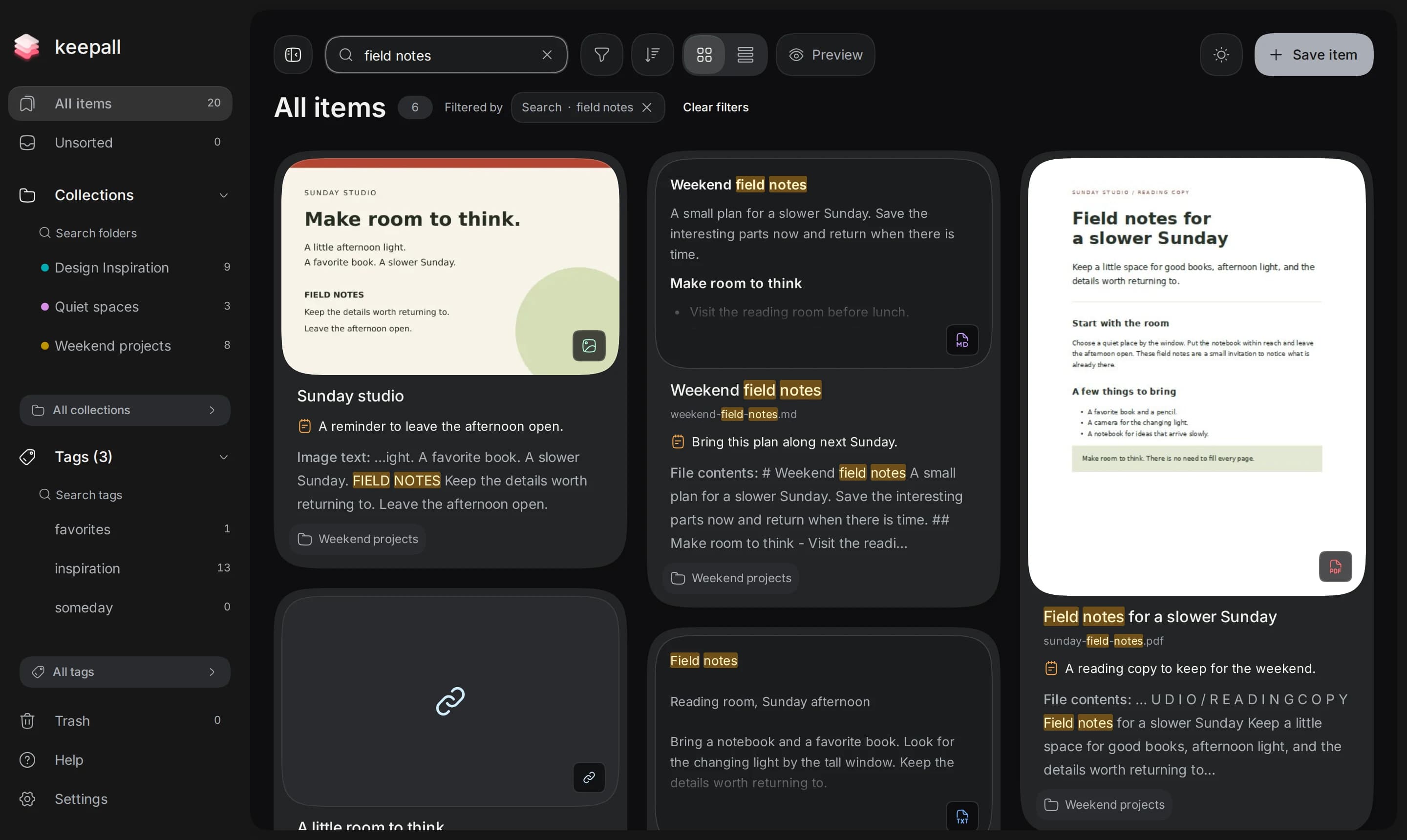
Search your library
Find words in notes, saved articles, documents, and recognized screenshot text.
Keep your library safe
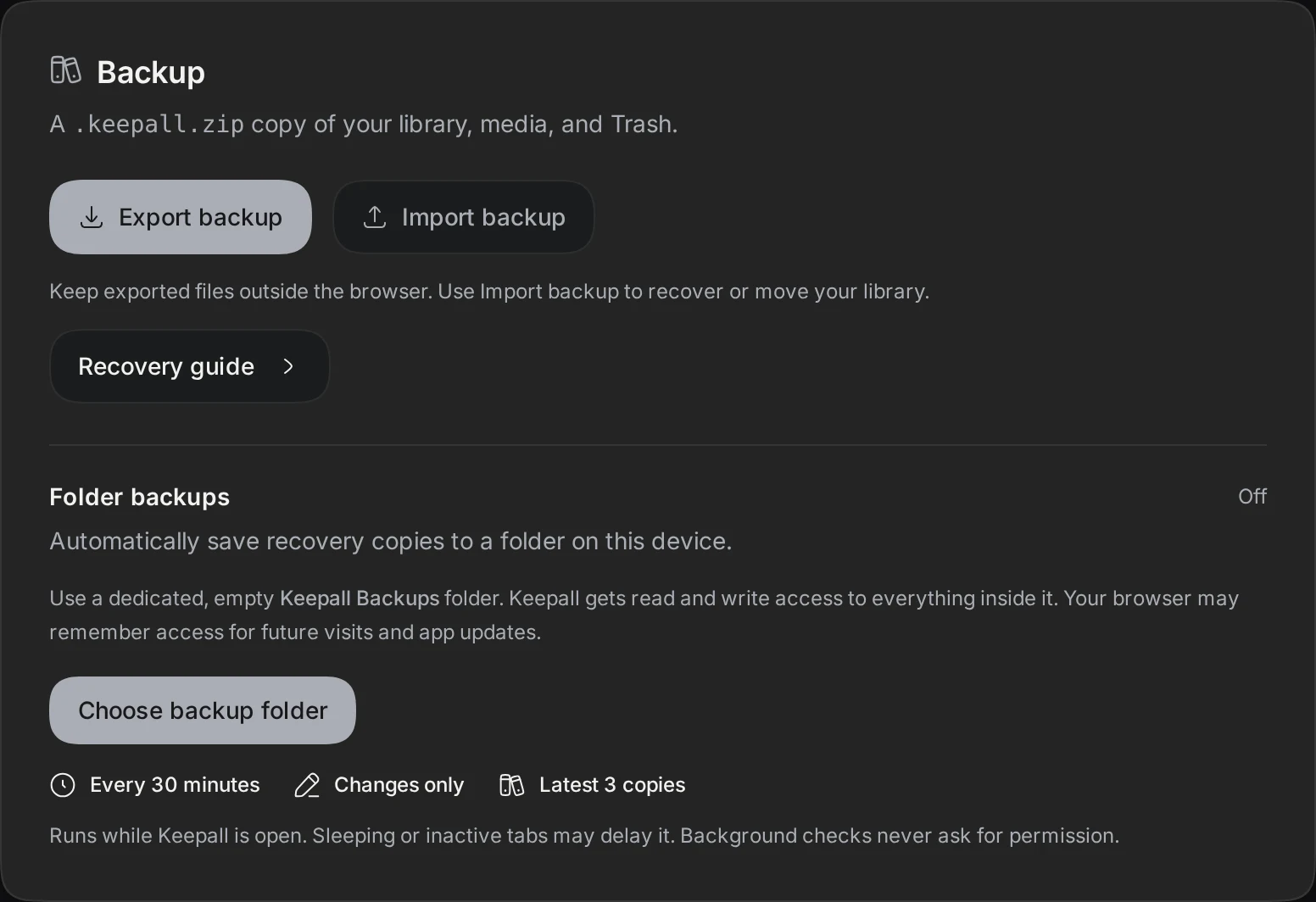
01Understand storage and backups
Check local storage, export backups, and transfer your library.
Use Keepall offline
Prepare for offline reading and check which actions need the internet.