

Prepare for offline use
Offline access needs a cached copy of the app. A first visit or an uncached page needs an internet connection.
The cached app must stay in the same browser or installed app.
- While online, open the library.
- If the library cannot open offline, reconnect to the internet.
- Open Keepall again.
What works offline
With the cached app and local data, you can browse and search saved items. Notes, saved articles, documents, images, and local videos remain available.
You can also make local library changes. Availability depends on the browser keeping the app and data.
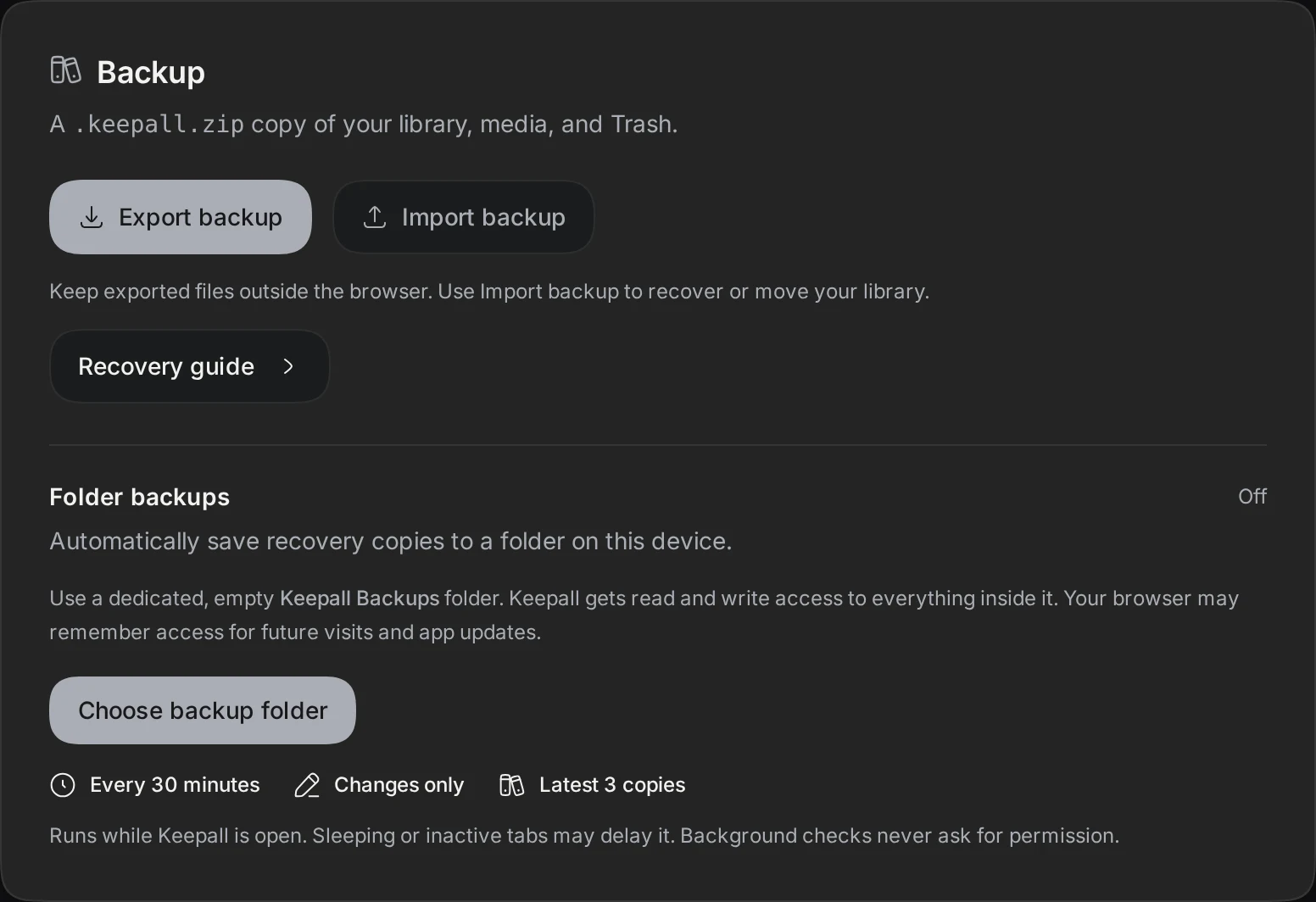
- Export backups regularly.
Available offline
Saved notesSaved articlesSaved documentsSaved image filesSaved video filesNeeds the internet
Opening original websitesRequesting new link previewsDownloading images from the webWhat needs the internet
Original websites normally need an internet connection. Saving a URL alone does not save its article text.
Article capture, article updates, new link previews, and website image downloads need an internet connection.
Extension saves need access to Keepall's cached app files. A saved confirmation verifies that capture succeeded.
- While online, select Save for offline on the full link page to save article text.
- If an extension save fails offline, reconnect to the internet.
- Retry the save.
- Wait for the saved confirmation.
Install an app update
Keepall shows a notice when a new app version is ready. Reloading updates the app. It does not back up the library.
- Finish your edits.
- Save your edits.
- Select the reload action in the update notice.