

Save an article
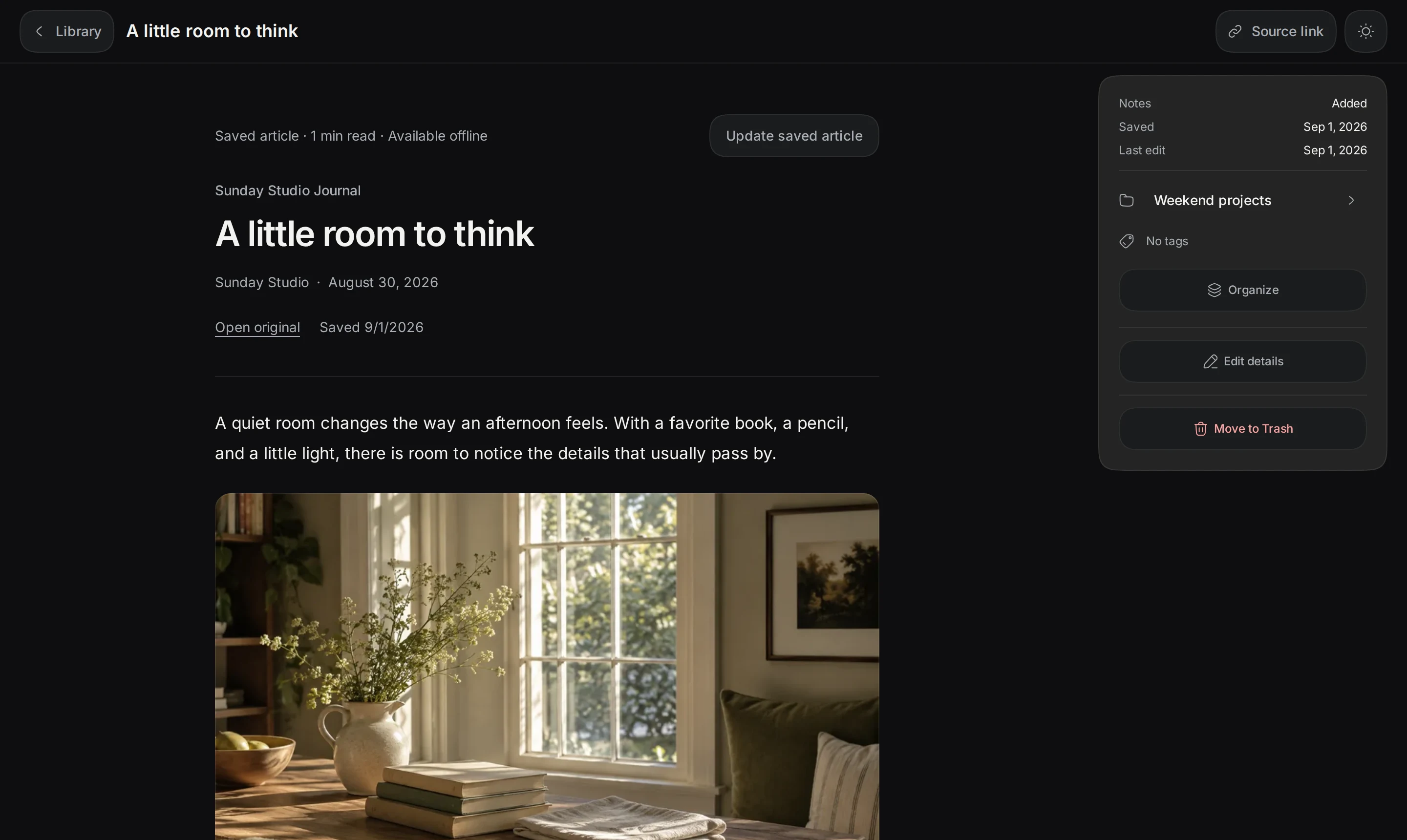
Keepall saves headings, paragraphs, lists, quotations, code, and links. It also saves the title, source URL, and capture date.
Available article details can include the author, publication date, and site name. Your personal note stays separate.
Save for offline sends the URL to Keepall's server. The server requests the public page. The request excludes personal notes, tags, and collections.
Capture needs an internet connection. Reading a saved article does not request the original website again.
- Save the website as a link.
- Select Open full item in the item menu.
- Select Save for offline.
Read and search an article
Offline reading needs the cached app and saved data in the same browser. Search finds article text, titles, and authors.
Update saved article replaces the saved copy with a new capture. It also adds structure to older text-only saves.
Changing a link's URL removes its old article. Changing its title or personal note keeps the article. Open original normally needs an internet connection.
- Select Open full item in the link menu.
Capture limits
Some websites require a login, block requests, or load text through scripts. Keepall does not sign in or run website scripts.
Saved articles use Keepall's reading layout. They can include code blocks, captions, and up to 16 inline images stored on this device.
A failed image download leaves a placeholder. An existing local cover remains available. Capture excludes website styling, videos, and interactive elements.
A failed capture keeps the link, note, and any previous article. Very large pages can exceed capture limits.
- When the connection or website improves, select Retry saving article.
- If capture still fails, open the original website or import a TXT, Markdown, or PDF copy.
Back up articles
Keepall backups include saved article text, metadata, and images with the link and personal note.
- Export a backup before clearing site data or changing browsers.